Digital Pool Service Report: How to Read Its 3 Parts

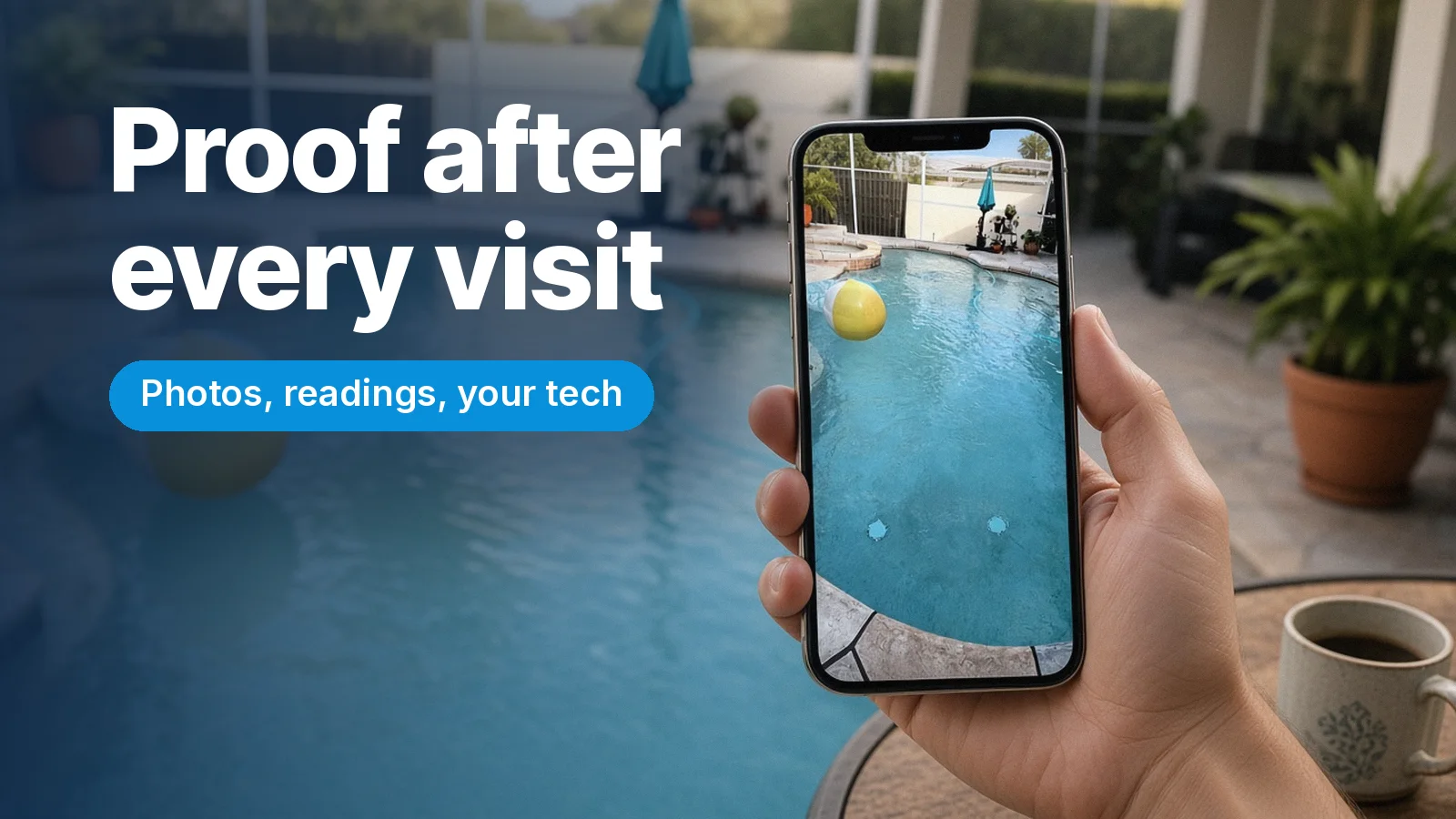
You are at work, at the store or traveling for Thanksgiving, and your pool technician just finished the weekly visit. How do you know the job was done right? That is exactly what the digital pool service report is for. After every visit, Pro Quality Pools sends you a report with water chemistry readings, before-and-after photos and the name of the technician who serviced your pool. This guide explains how to read it, what to look for and how to use it to keep your Brandon pool in great shape all year.
Why a Digital Pool Service Report Matters
Pool care happens when you are not looking. Most clients are not home during the visit, and that is normal. Without a report, you would have to trust that everything was done. With a report, you can see it.
A good report gives you three things:
- Proof. You see that the visit happened and what the pool looked like.
- Clarity. You know the condition of the water, not just how it looks.
- A record. Over weeks and months, the reports show how your pool changes with the seasons.
It is also part of how we keep our promise: No missed appointments. No extra charges. No excuses.
The Three Parts of Your Report
1. Before-and-After Photos
The photos are the easiest part to read. The “before” photo shows how the pool looked when the technician arrived. The “after” photo shows how it was left.
What to look for:
- Debris. In November, the before photo often shows leaves on the surface or the floor. The after photo should show them gone.
- Water clarity. You should be able to see the floor clearly in the after photo.
- Changes over time. If the before photos start showing more debris every week, it may be time to trim trees near the pool or add a midweek basket check.
2. Water Chemistry Readings
This section shows what your technician measured in the water. Pool water is a balance of several factors, such as sanitizer level and pH. Each one affects how the water looks, how it feels on your skin and how well it protects your pool surfaces.
You do not need to memorize the numbers. Here is a simple way to use them:
- Look for consistency. Healthy pools tend to show steady readings week after week.
- Notice changes after events. Heavy rain, a cold front, a party or a lot of swimmers can change the readings. That is normal, and it is why the water is checked and balanced at every visit.
- Ask questions. If a reading looks different from last week, ask us. We are happy to explain what it means.
If you want to understand the basics behind the readings, our guide on how to know if your pool’s chemical balance is really right is a good place to start.
3. Your Technician’s Name
Every report includes the name of the technician who serviced your pool. It is a small detail, but it matters. You know who was in your backyard, and if you have a question about the visit, you know who did the work. You can meet the people behind your pool on our team page.
How to Use Your Report Between Visits
The report is not just something to read and forget. Use it as your reference during the week:
- Compare. If the pool looks very different on Thursday than it did in Monday’s after photo, something changed. A storm, a fire pit night or a full skimmer basket are common reasons.
- Share. Send us a photo if something looks off. Having the last report as a reference makes it easy to see what changed.
- Plan. Expecting guests for the holidays? Look at your most recent report. If the pool looks great, keep up the routine. If it was a heavy leaf week, empty the skimmer basket a day or two before your guests arrive.
What the Report Does Not Replace
The report shows the condition of the water and the cleaning. It is not an equipment inspection report. We do not do repairs, but if something looks off with your equipment during a visit, we let you know so you can call the right professional.
It also does not replace communication. If you ever have a question, reach out. A short message is always welcome.
A Simple Checklist When the Report Arrives
- Open the report the same day.
- Look at the before-and-after photos.
- Glance at the water readings and compare them with last week.
- Check the technician’s name.
- Save the report or keep it in your messages, so you can find it later.
- Reply with any questions.
It takes less than a minute.
Frequently Asked Questions
When do I receive my digital pool service report?
You receive a report after every visit, so you can see the work even if you were not home.
What if a reading in my report looks wrong to me?
Just ask. Readings can change after rain, heavy use or temperature swings. We will explain what the number means and how it was handled during the visit.
Can I use my reports if I sell my home?
A history of regular service can help answer buyer questions about how the pool was maintained. Keep your reports organized, and ask your real estate agent how to share them.
Do one-time cleanings include a report too?
Yes. After a one-time cleaning, you also receive a report with readings, photos and your technician’s name.
Weekly Pool Service in Brandon You Can Actually See
A clean pool should not be a mystery. With a digital pool service report after every visit, you always know what was done, how the water looks and who did the work. Pro Quality Pools is a family-owned pool cleaning company serving Brandon, Valrico, Seffner, Dover, Riverview and FishHawk, with a 5.0 rating from 150 positive reviews. Contact us for a free quote or call (813) 565-5344 and see the difference for yourself.