Clocks Fell Back. Is Your Pool Pump Now Running at the Wrong Time?

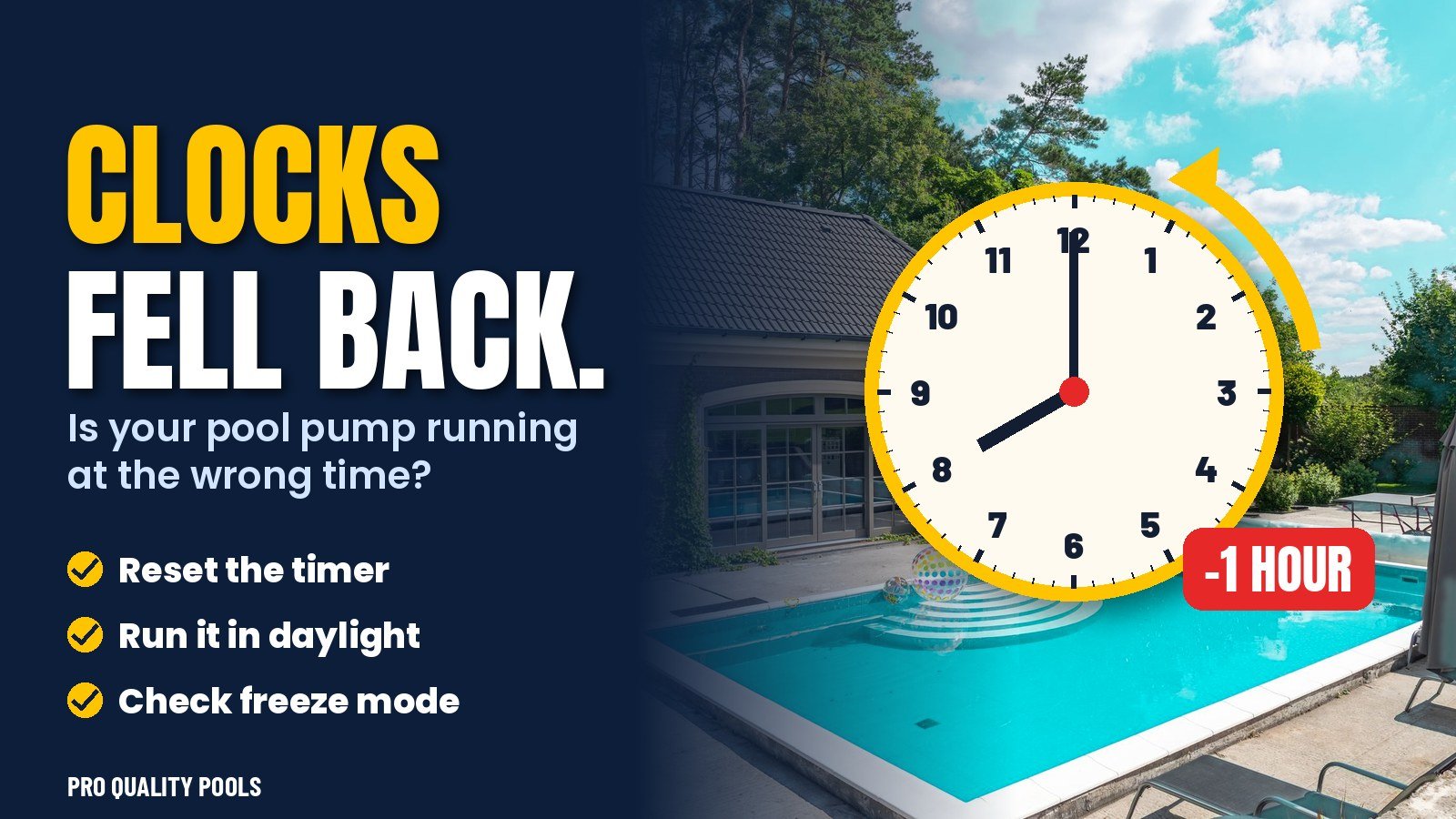
On Sunday, November 1, Florida set its clocks back one hour. Your phone, your car and your microwave probably adjusted without you noticing. Your pool equipment may not have. If your pump runs on a mechanical dial or an older digital controller, it is now switching on and off one hour off from the schedule you chose. A pool timer after daylight saving time ends is one of the most overlooked fall tasks we see in Brandon, Valrico and the rest of the Tampa Bay area, and it only takes five minutes to fix.
Why One Hour Actually Matters
One hour sounds small, but your pump schedule is usually built around three things: sunlight, power rates and noise. When the timer drifts, all three can go wrong at once.
- Sunlight: chlorine is used up fastest by UV light. Most owners want the pump circulating and sanitizing during the brightest hours. A shift can push your run time into the late afternoon or evening when the pool needs it least.
- Noise: a pump that used to stop at 7 PM now runs until 8 PM by the wall clock, right when you are relaxing on the lanai or putting kids to bed.
- Equipment that depends on the pump: salt cells, heaters, automatic cleaners and chlorinators usually only work while water is flowing. If their own timers adjusted and the pump did not, they can try to run with no flow.
Which Pool Timers Change by Themselves?
Not all controllers behave the same way. Here is a quick guide:
- Mechanical dial timers (the round clock with little metal “trippers”): these never adjust themselves. If yours has one, it is now one hour fast.
- Basic digital timers: some have a DST setting, many do not. Check the display against your phone.
- Variable-speed pumps with onboard clocks: many keep their own clock and do not update automatically. Look at the time on the pump’s keypad.
- Wi-Fi automation systems: app-connected systems usually sync to internet time, but it’s worth confirming the time zone is set to Eastern.
How to Reset Your Pool Timer After Daylight Saving Time
Before you start, turn off power to the timer at the breaker if you are working on a mechanical unit and you are not comfortable around the box. Then:
- Check the real time. Compare the timer to your phone and note how far off it is (normally one hour).
- Mechanical dial: pull the dial outward slightly and turn it in the direction of the printed arrow until the pointer shows the correct time of day. Never force it the wrong way.
- Digital or pump keypad: open the clock or settings menu and set the current time. Then review each program so start and stop times still make sense.
- Check linked equipment: make sure your salt system, heater or booster pump schedule falls entirely inside the pump’s run window.
- Watch one full cycle. The next day, confirm the pump turned on and off when expected.
Is It a Good Moment to Rethink Your Schedule?
Yes. Early November is a natural checkpoint. The water is cooler, the sun is lower and the pool needs a little less run time than it did in August. Many owners use this reset to trim an hour or two, or to move the main cycle to start around mid-morning. We explain how far you can safely cut back in our guide to pool pump run time in fall.
As a simple rule for most Florida residential pools in November:
- Aim for at least one full turnover of your pool’s volume per day.
- Run the main cycle during daylight, roughly 9 AM to 3 PM, when the sun is consuming chlorine.
- If you have a variable-speed pump, run longer at a low speed instead of a few hours at high speed. It filters better and costs less.
- Add a short high-speed window if your cleaner, spa spillover or heater needs it.
Don’t Forget the Freeze Sensor
Many Florida pool timers and pumps include a freeze-protection feature that turns the pump on when the air drops near freezing. Hillsborough County does not freeze often, but a December or January cold snap is always possible. While you are at the timer, confirm the feature is enabled and the sensor wire is intact. Moving water is much less likely to damage pipes and equipment on a rare cold night.
Signs Your Timer Was Off for a While
If the clocks changed and your timer stayed behind, you might notice a few clues this week:
- Chlorine reading lower than usual, because the pump stopped earlier in the bright afternoon.
- More debris on the surface late in the day.
- Your salt cell showing “low flow” or “no flow” warnings.
- A pump humming at dinner time when it used to be quiet.
Chlorine needs shift this month too. Our article on pool chlorine levels in winter explains why your summer dose is now too high.
Frequently Asked Questions
Does my pool timer change automatically for daylight saving time?
Mechanical timers never do. Some digital and Wi-Fi controllers do, but many pump keypads do not. Always compare it to your phone after November 1.
What time should my pool pump run in November in Florida?
For most homes, a daytime window from about 9 AM to 3 PM works well, with at least one full water turnover per day. Variable-speed pumps can run longer at low speed.
Conclusion
The end of daylight saving time is a small change for you and a hidden one for your pool. A timer that is one hour off can waste energy, reduce sanitation and confuse equipment that depends on flow. Five minutes with the dial or the keypad puts everything back in sync.
Final Recommendations
Set a reminder for the two DST changes each year, March and November, and check your pool timer the same day you change your oven clock. Use the reset to review your run time for the season and confirm freeze protection is on. If you prefer not to deal with any of it, our technicians check timers and equipment schedules as part of regular visits.
Need Help With Your Pool in Brandon and Nearby?
Pro Quality Pools is a family-owned pool cleaning company serving Brandon, Valrico, Riverview, FishHawk, Seffner and Dover, Florida. Explore our pool cleaning and maintenance services or contact us today for a free quote.